

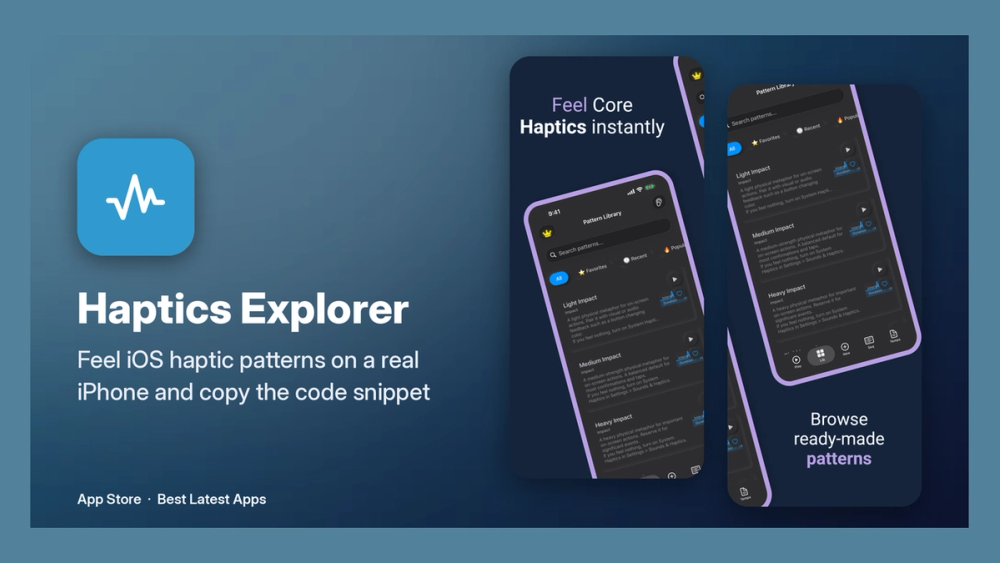
Haptics Explorer is a reference and testing tool for anyone who designs or builds haptic feedback for iPhone apps. The iOS Simulator cannot vibrate, so the only honest way to judge a haptic is to feel it on a real device. Haptics Explorer puts the available patterns in one place, lets you play and tune them on your own iPhone, and then gives you code you can paste into your project.
It is built mainly for iOS developers, but it is also useful for UX designers and anyone who cares about how an app feels in the hand.
The pattern library is organized into eight categories: impact, notifications, selection, rhythms, gestures, game patterns, accessibility, and custom patterns. You can play a pattern once or loop it, adjust intensity, sharpness and speed, and generate a ready-to-use snippet in UIKit, SwiftUI, Combine, or async/await form.
Haptics Explorer is free to download from the App Store, with optional in-app purchases. It requires iOS 17.0 or later.
App Store: https://apps.apple.com/us/app/haptics-explorer/id1660403082


