

Overview
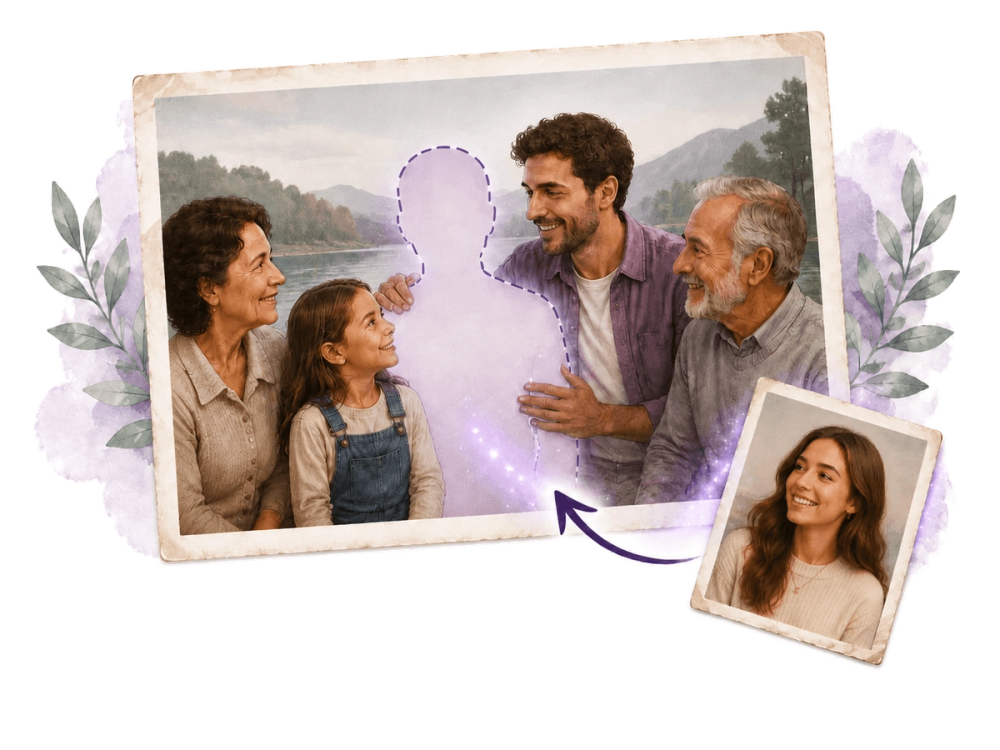
Add Person to Photo is an AI-powered tool that seamlessly composites a person into an existing scene photo. By analyzing lighting, shadows, perspective, and skin tones, it produces realistic results that look as if the person was always there.
Key Features
- Natural Blending: Automatically matches lighting direction, shadow softness, color temperature, and skin tone.
- No Editing Skills Required: Upload a background scene and a portrait – the AI handles compositing in under two minutes.
- Privacy-First: Uploaded photos are auto-deleted within 7 days and never used for training.
- Extra Instructions: Optional text input to specify placement, pose, interaction, or artistic style.
- Credit-Based Pricing: One-time credit packs (30, 150, 750 credits) that never expire.
Use Cases
- Family Memories: Add a missing parent, grandparent, or sibling to a family portrait.
- Memorial Keepsakes: Honor a deceased loved one by placing them into a wedding or graduation photo.
- Travel Photos: Insert a friend who missed the trip into a vacation scene.
- Group Shots: Complete team photos, event pictures, or group gatherings.
- Creative Fun: Insert yourself into Renaissance paintings or fantasy scenes.
How It Works
- Upload your background scene (family portrait, travel snap, etc.).
- Upload a clear portrait of the person you want to add.
- (Optional) Add extra instructions for placement or style.
- Click Generate – the AI processes the composite in about one minute.
- Preview and download the result in HD (PNG or JPG).


